Gallery
No video available.
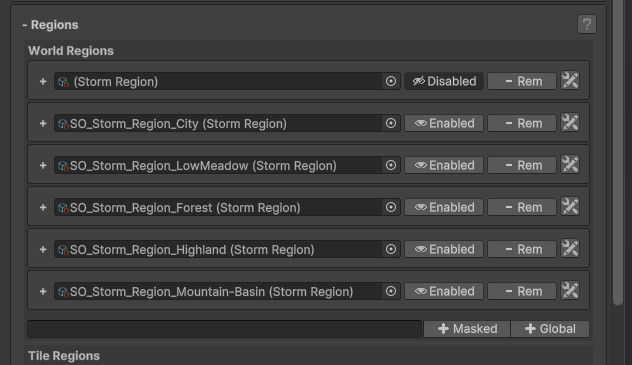
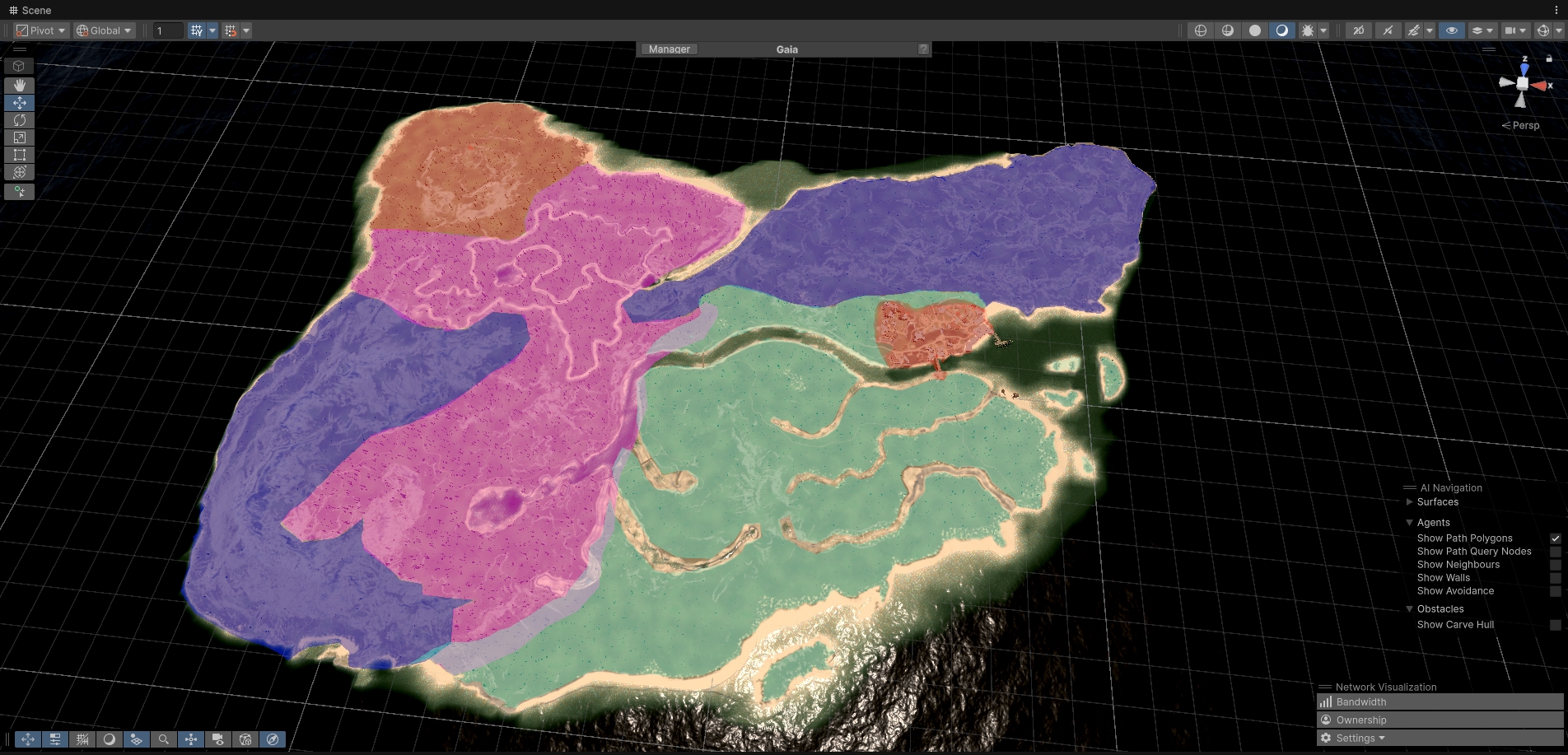
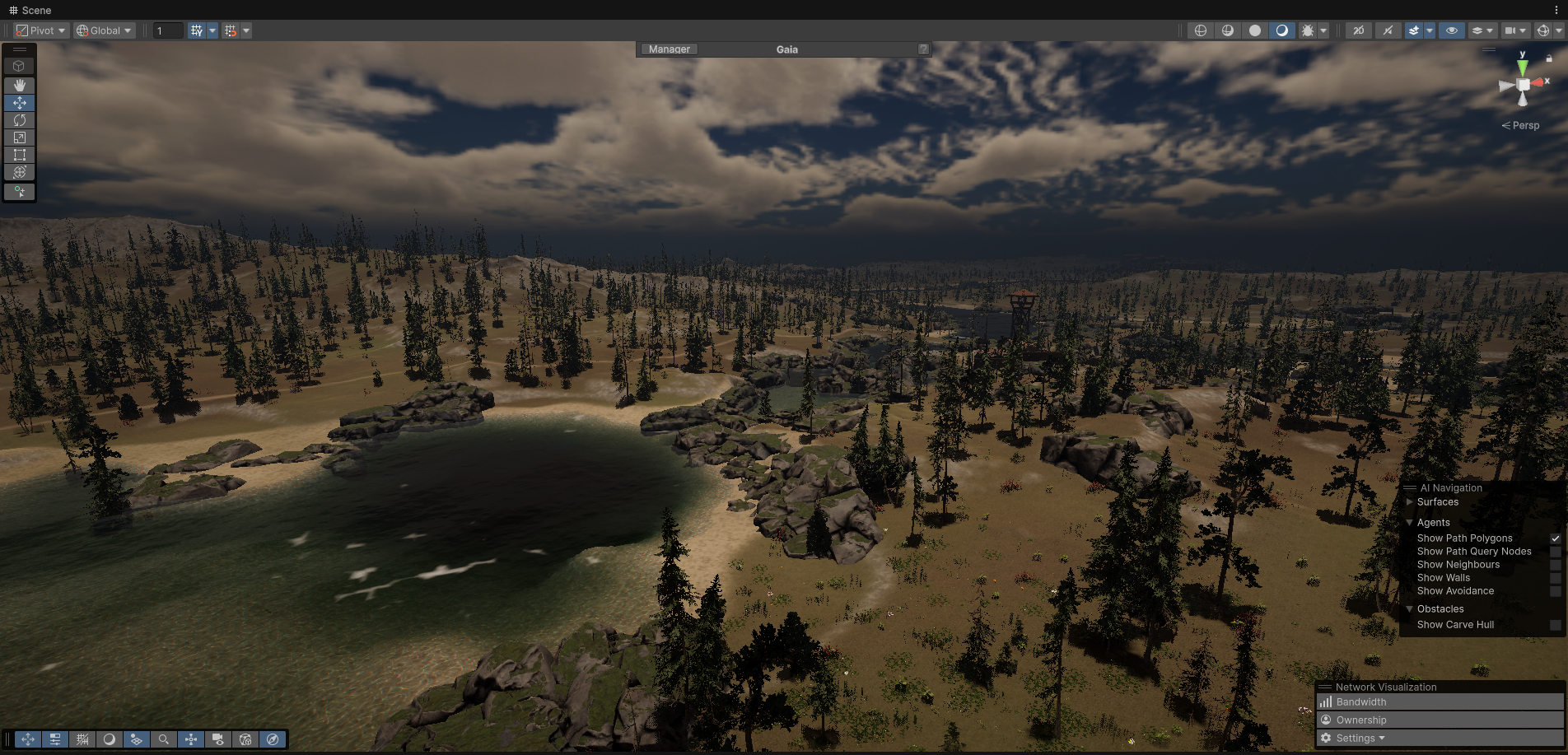
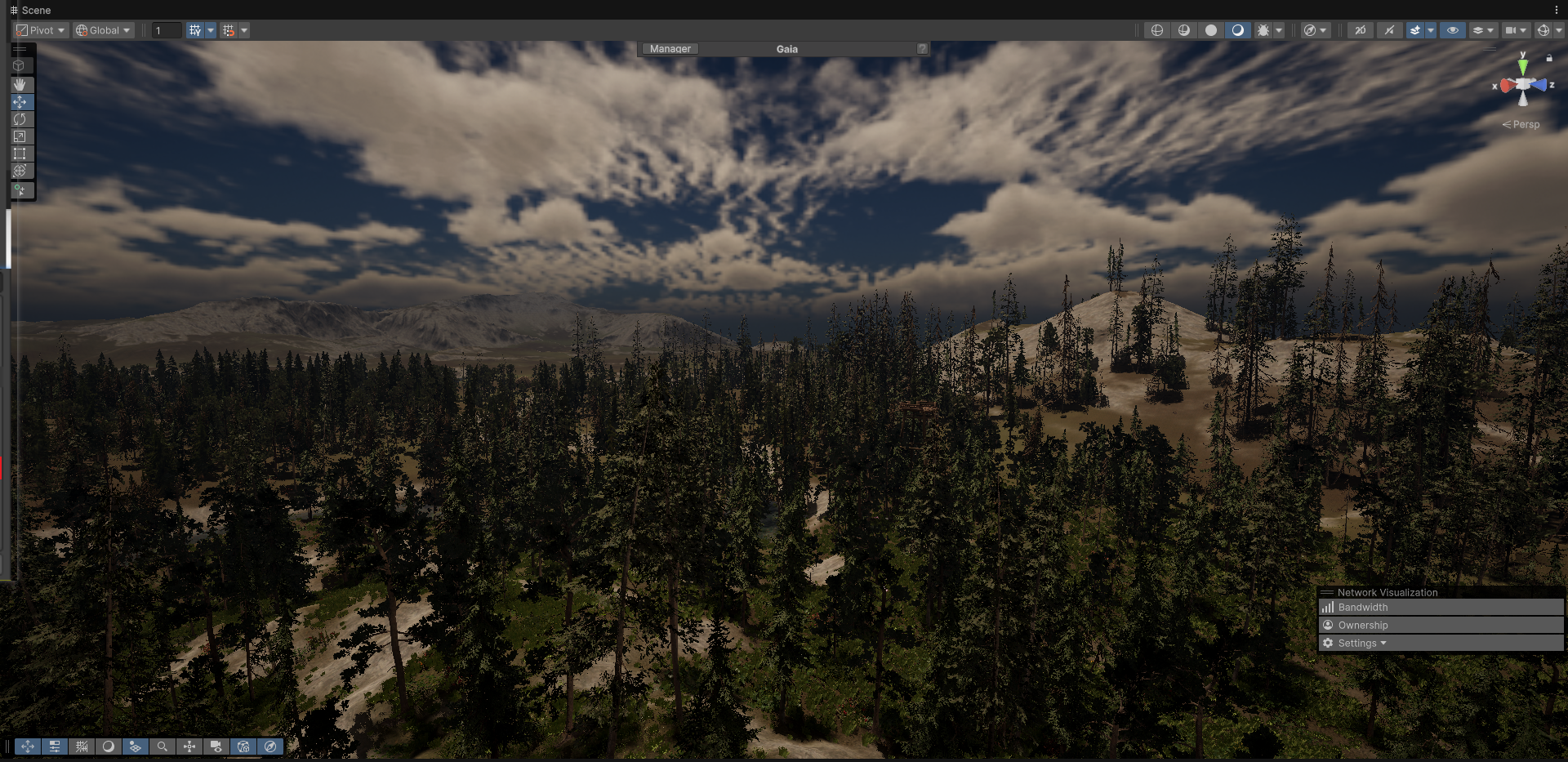

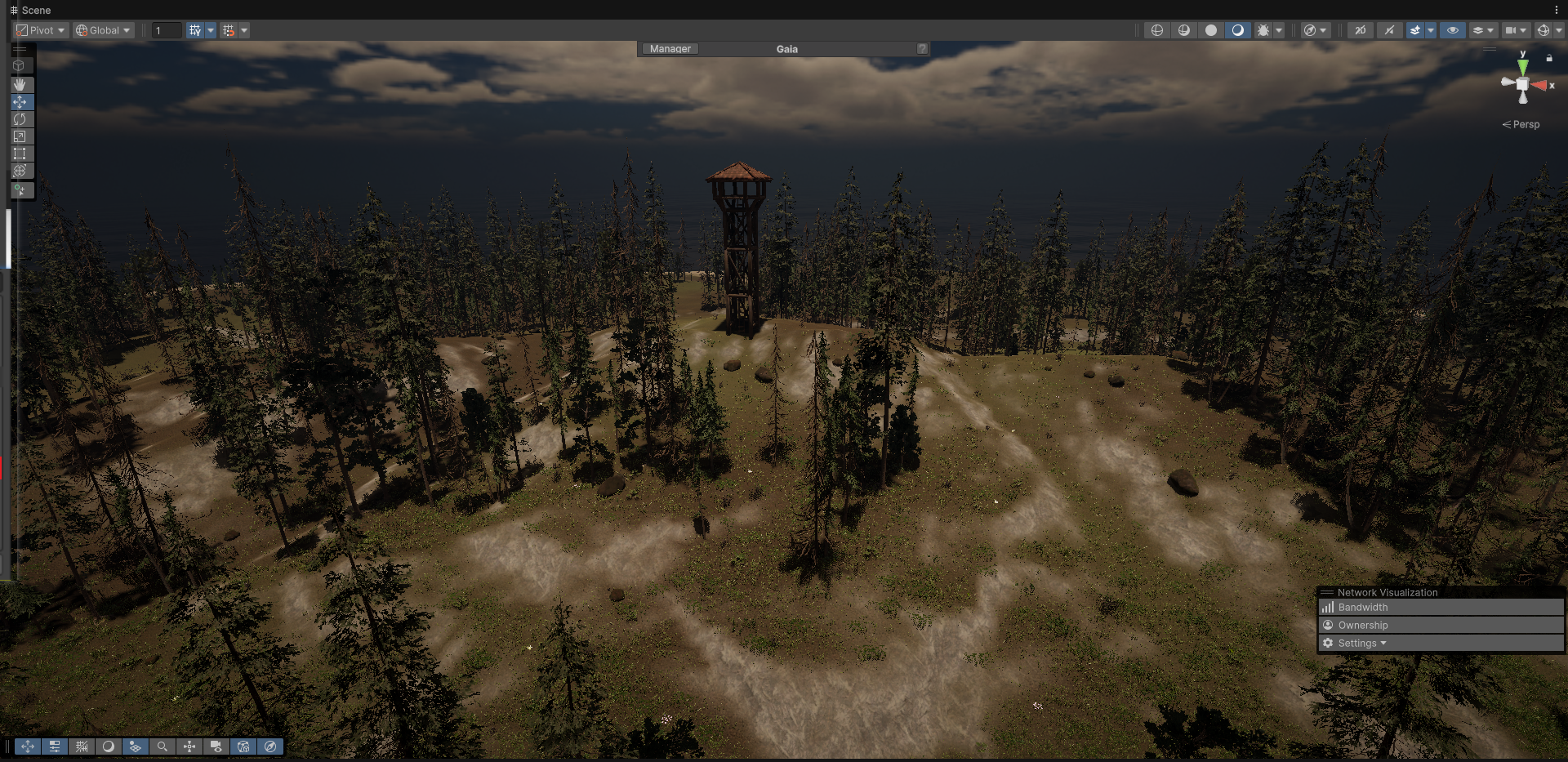

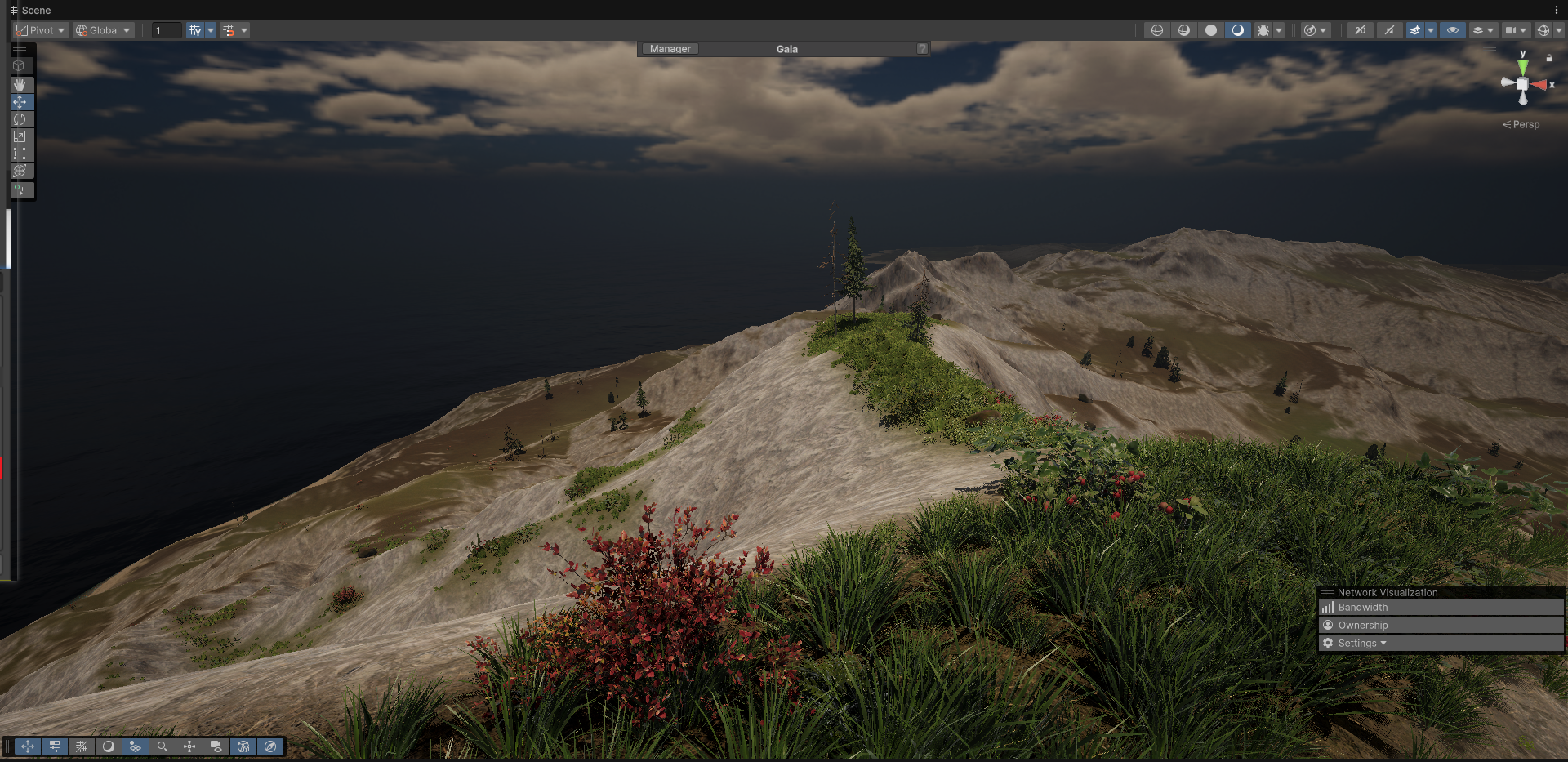
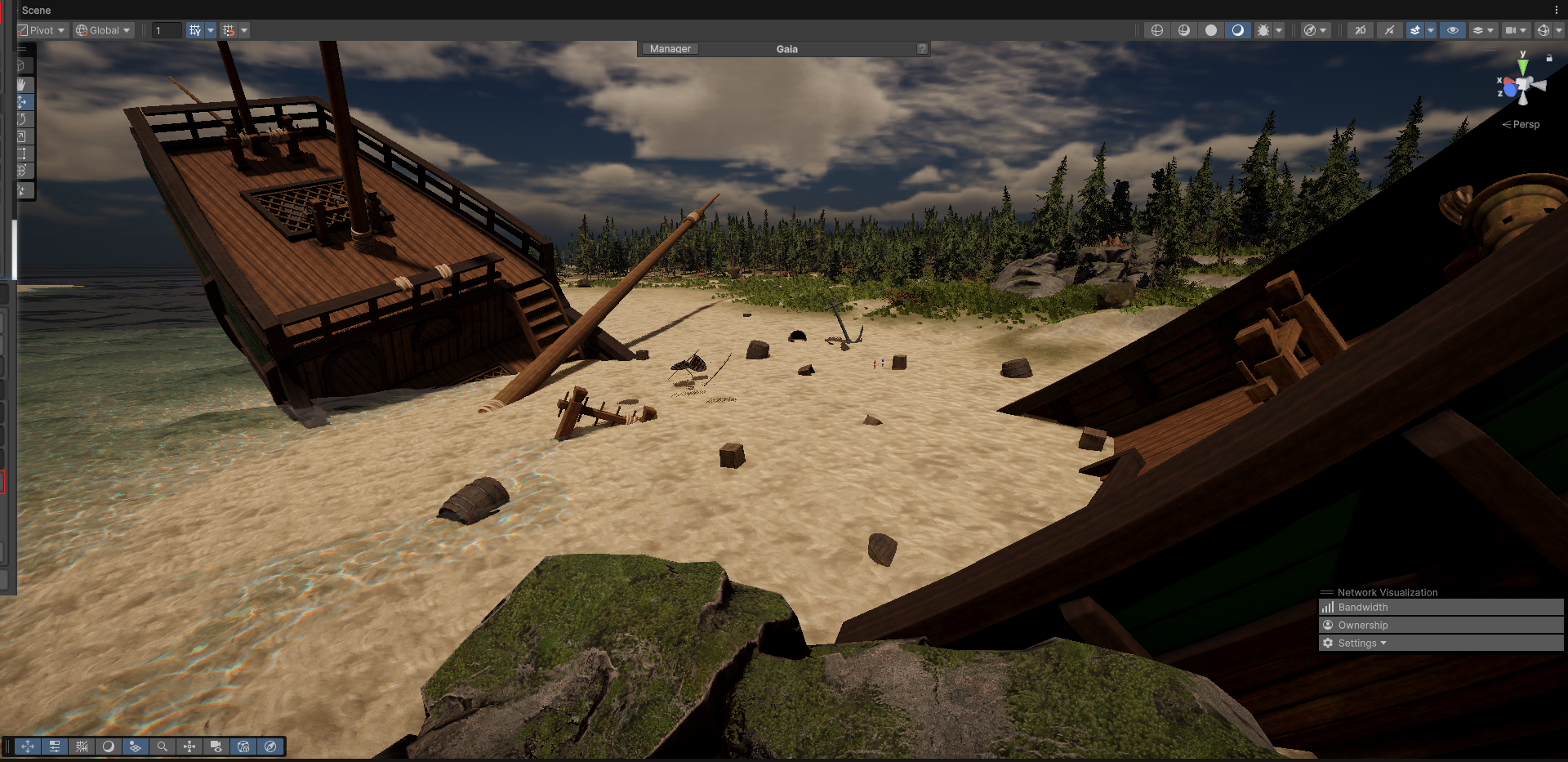
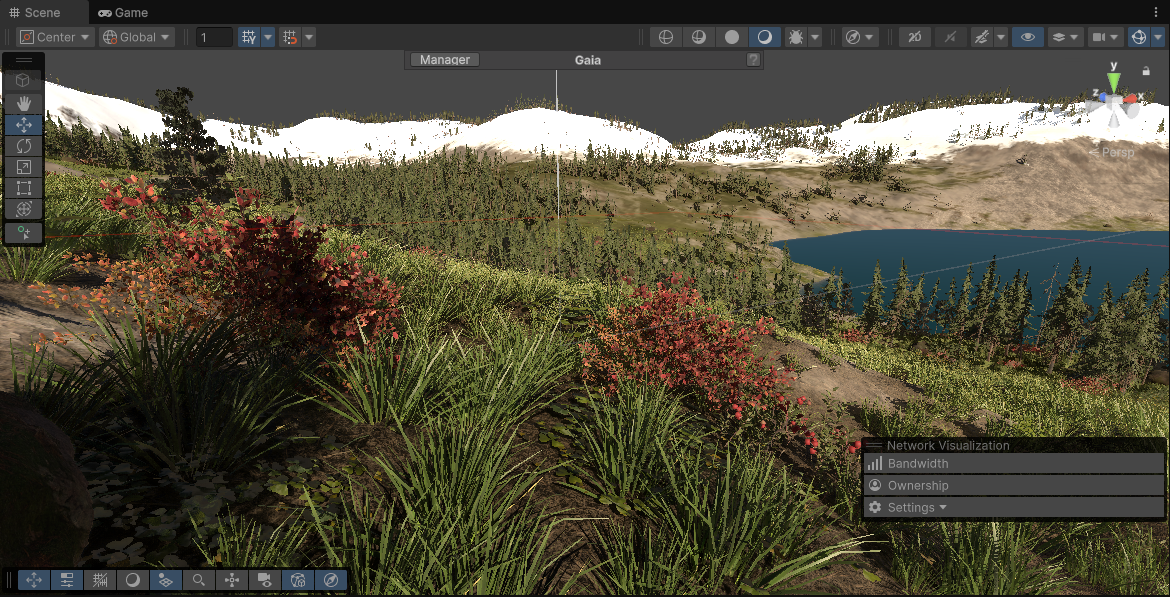
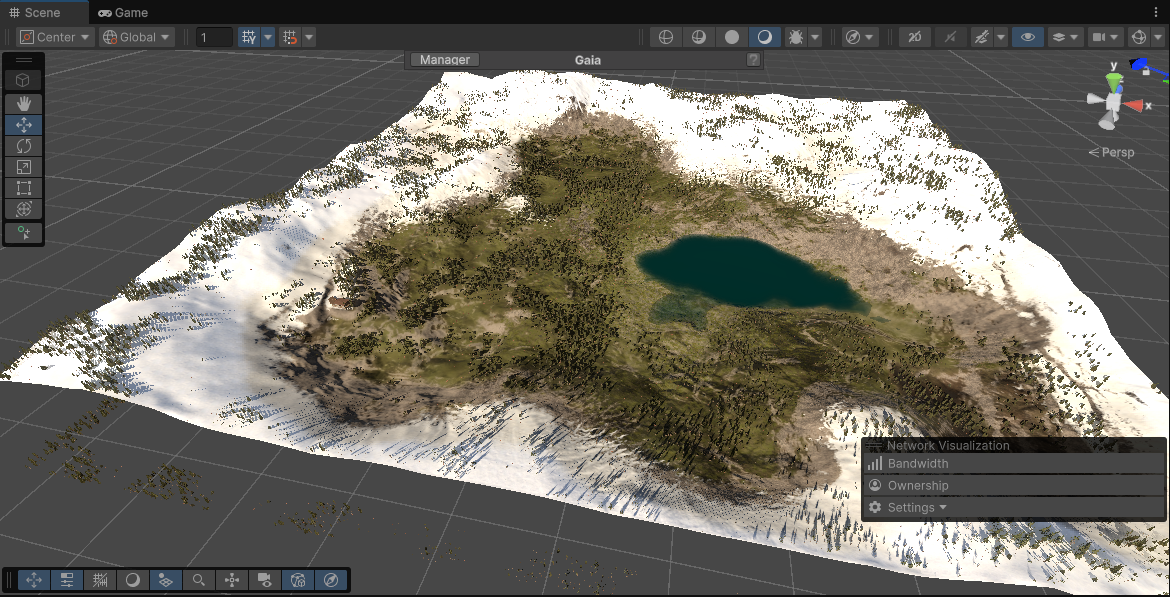
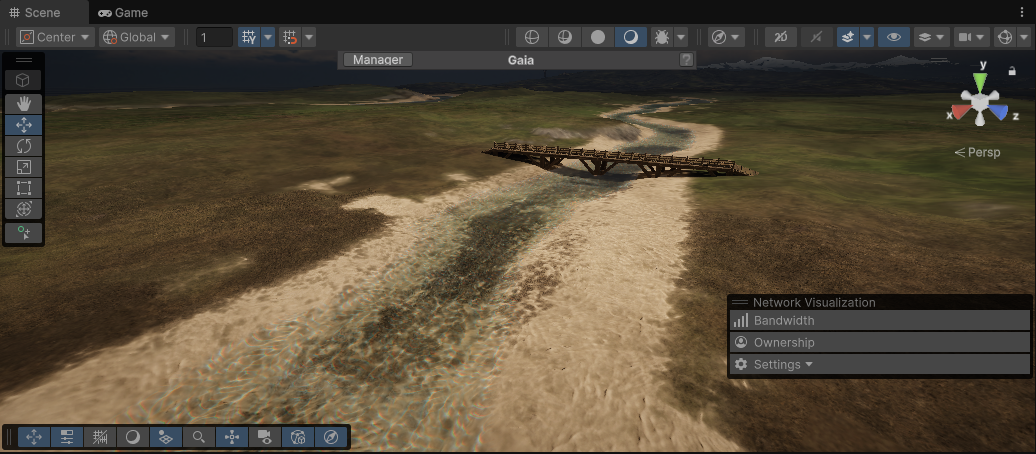
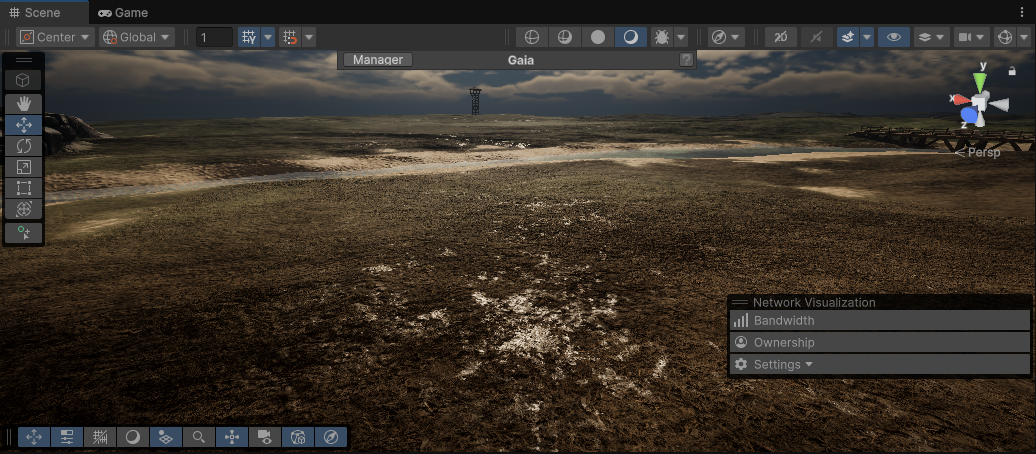
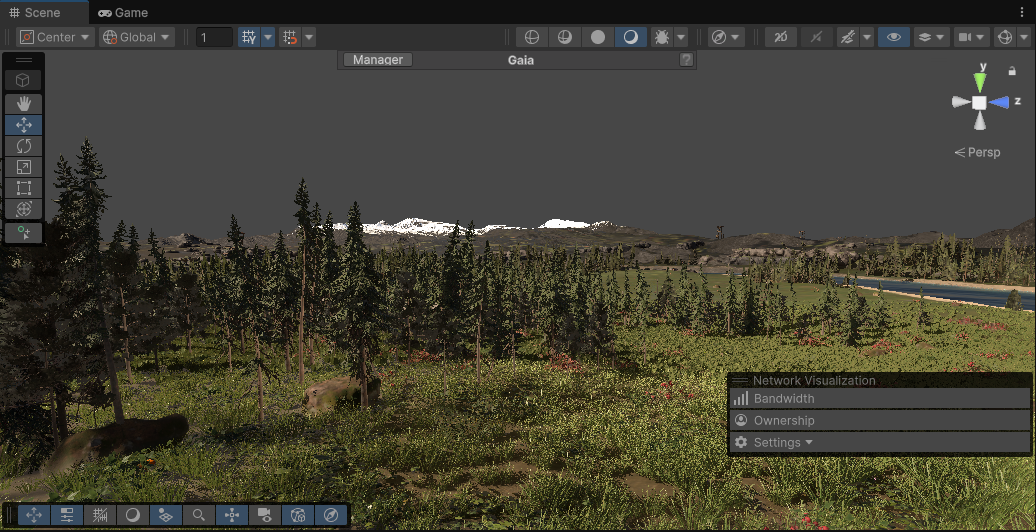
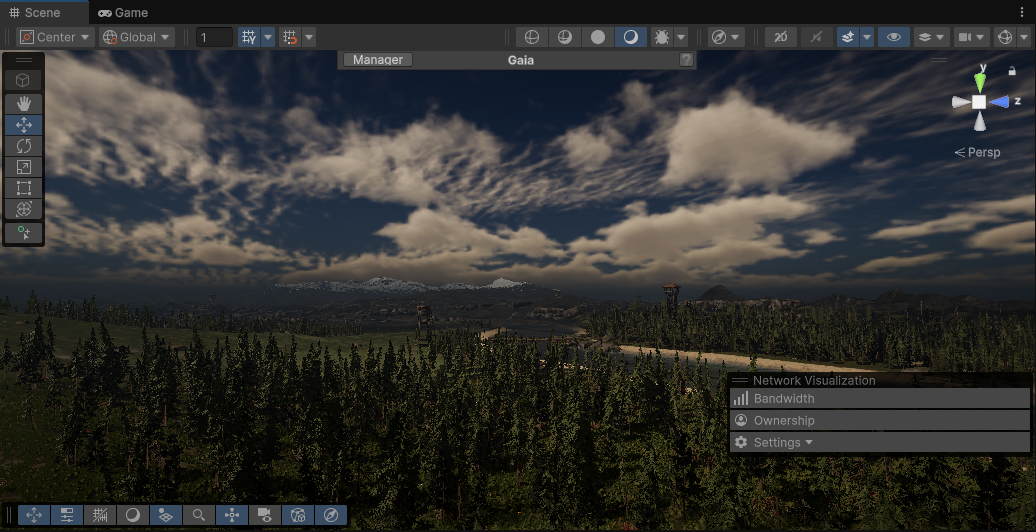
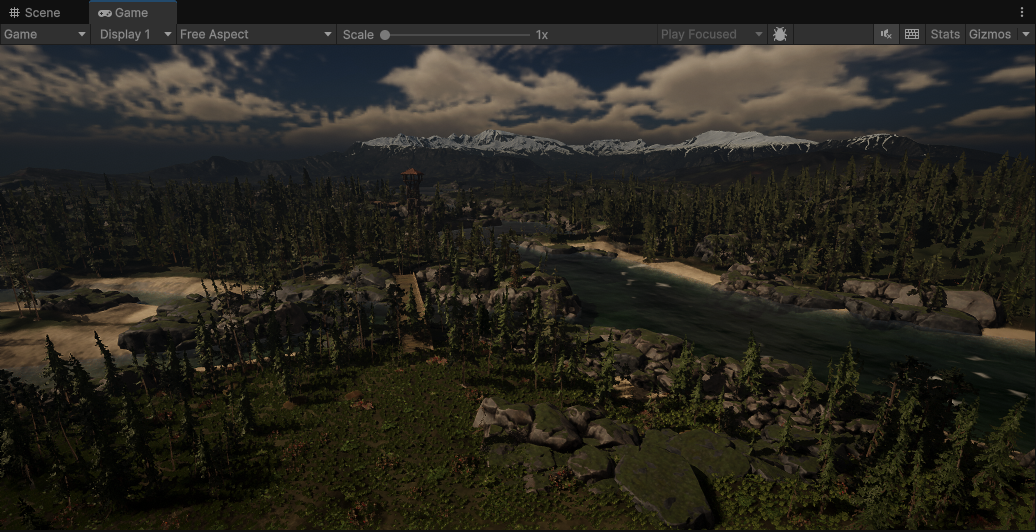
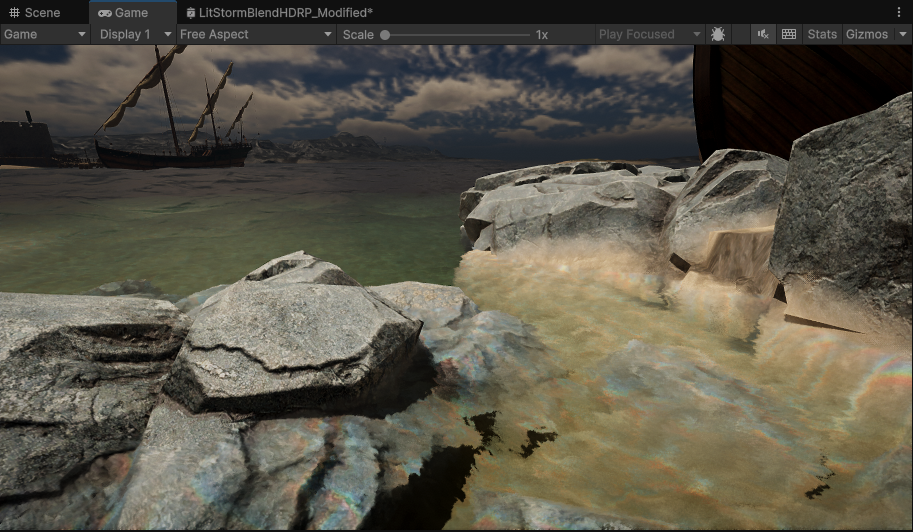
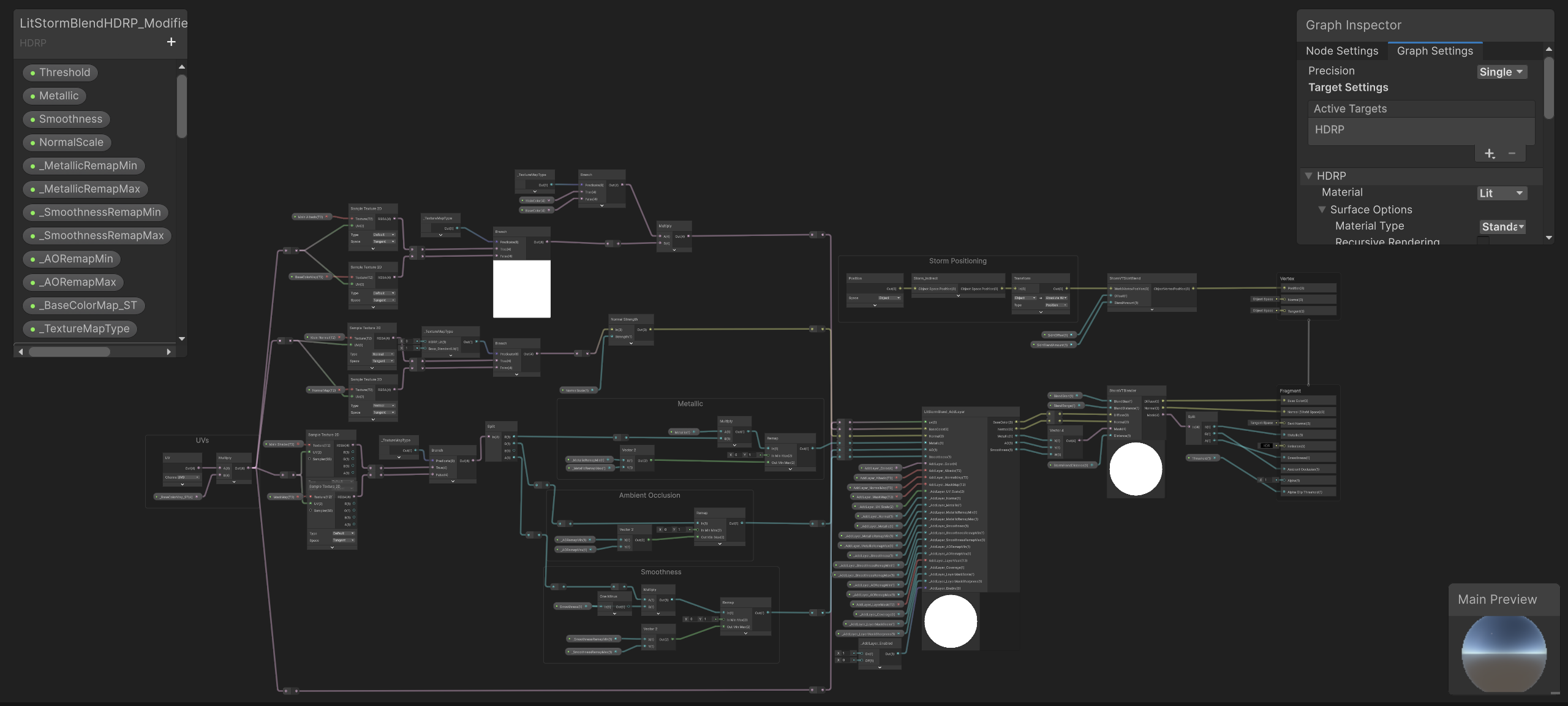
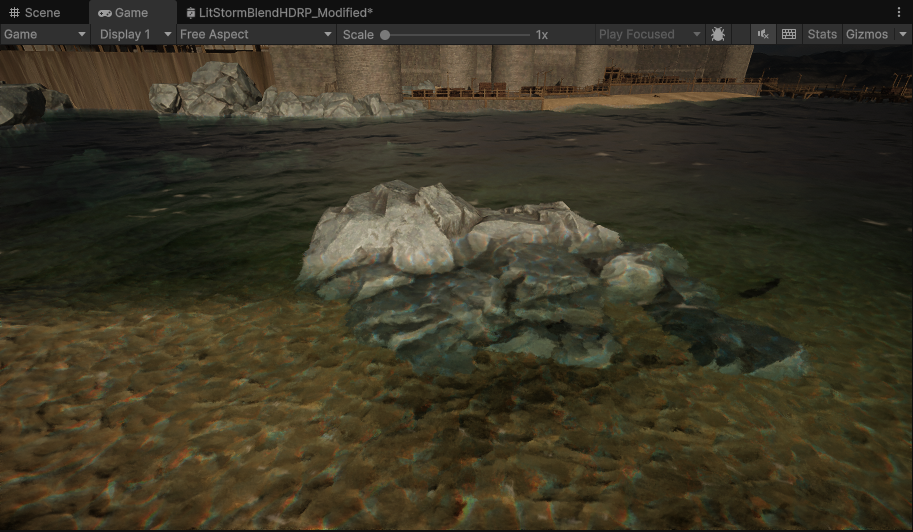
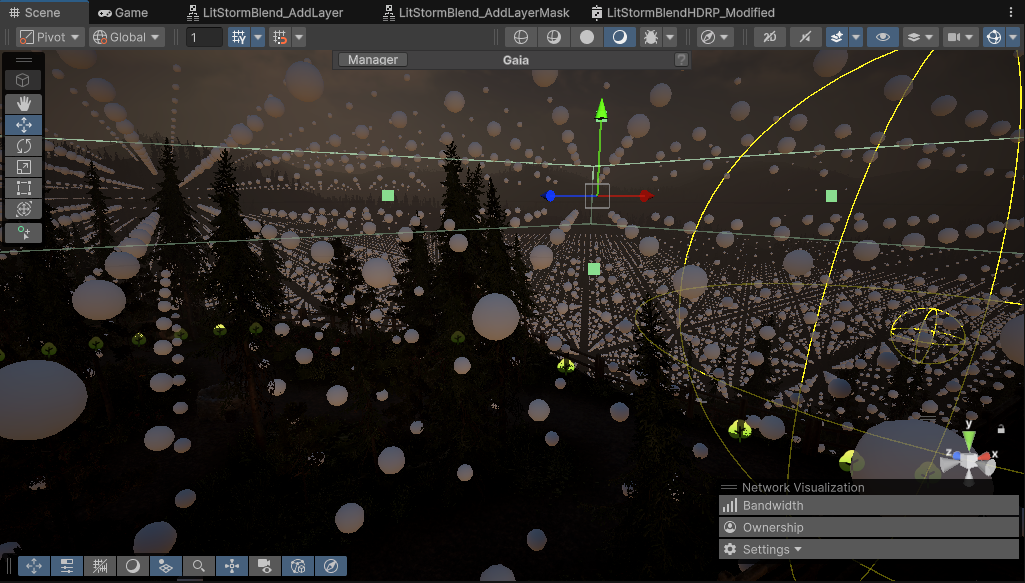
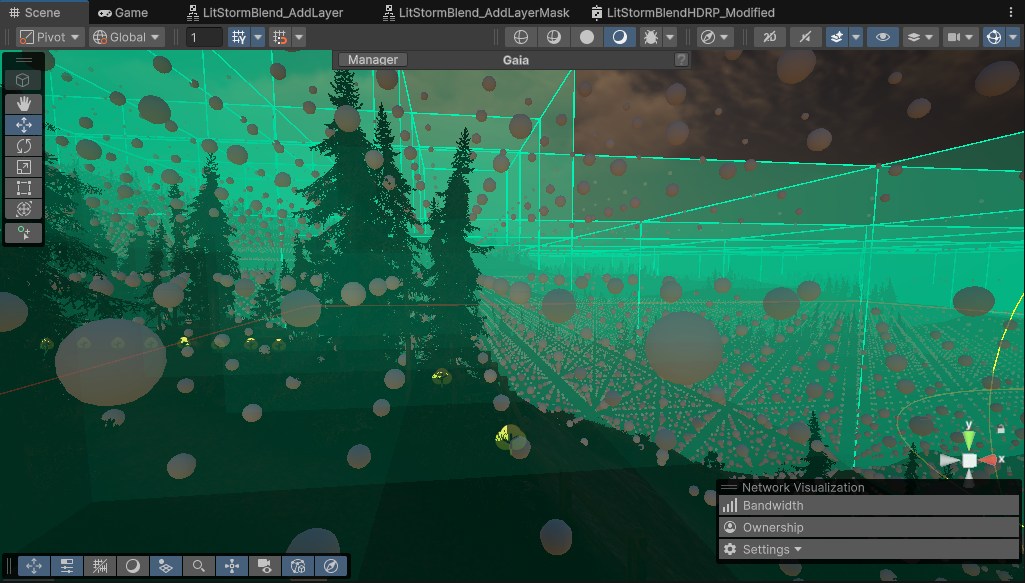
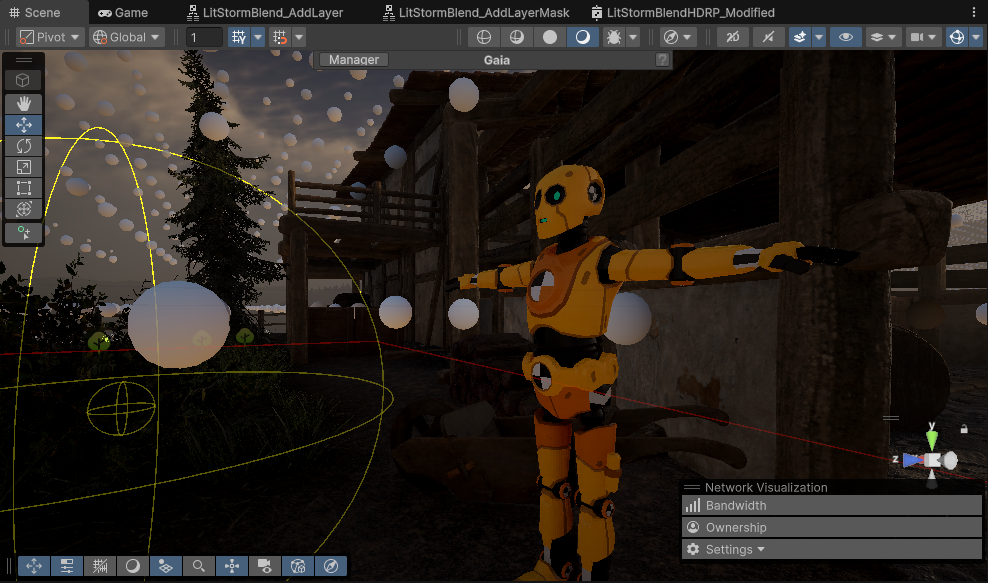
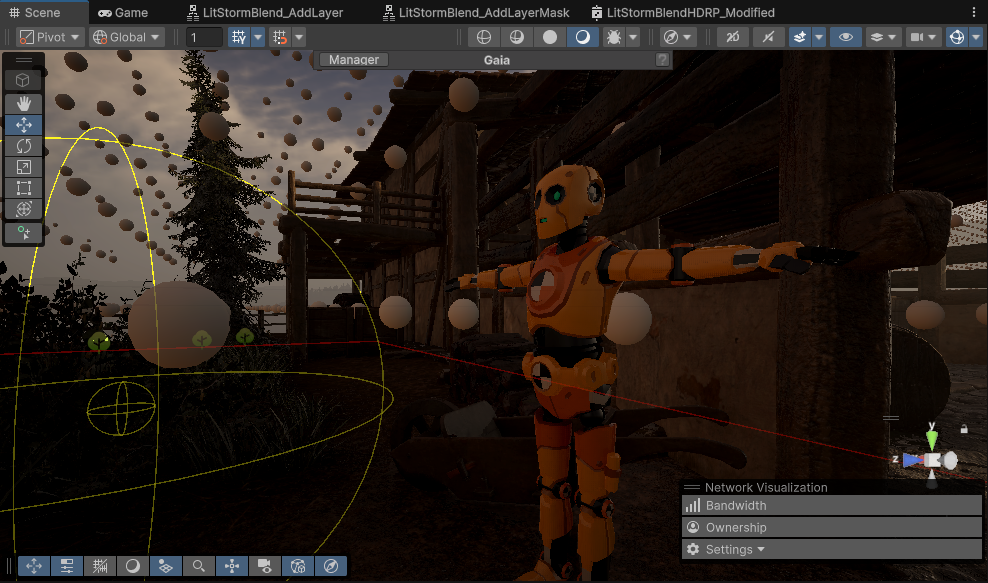
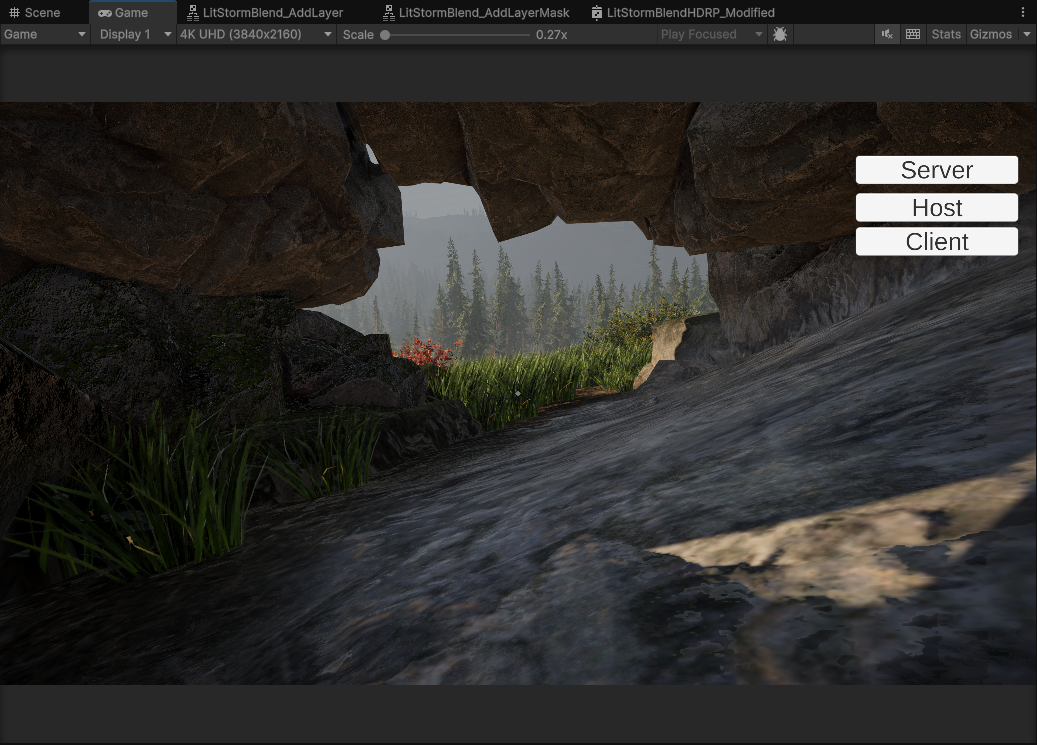

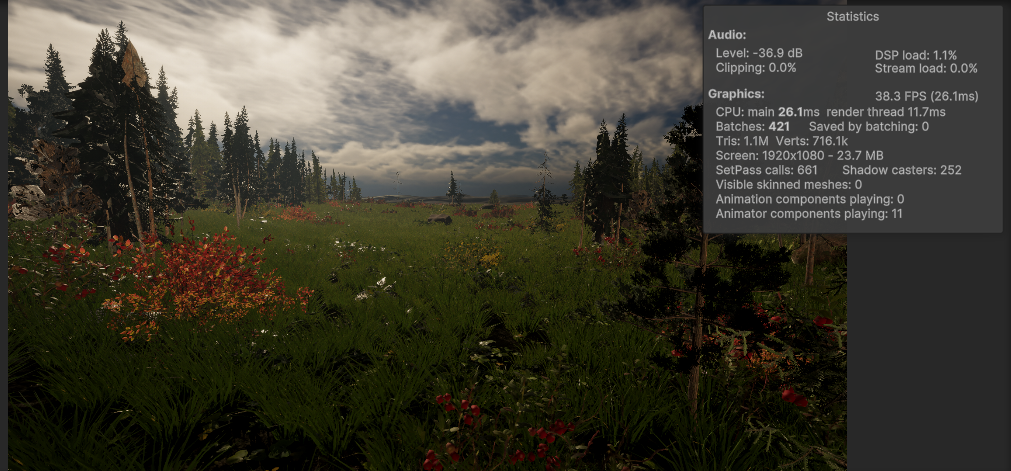
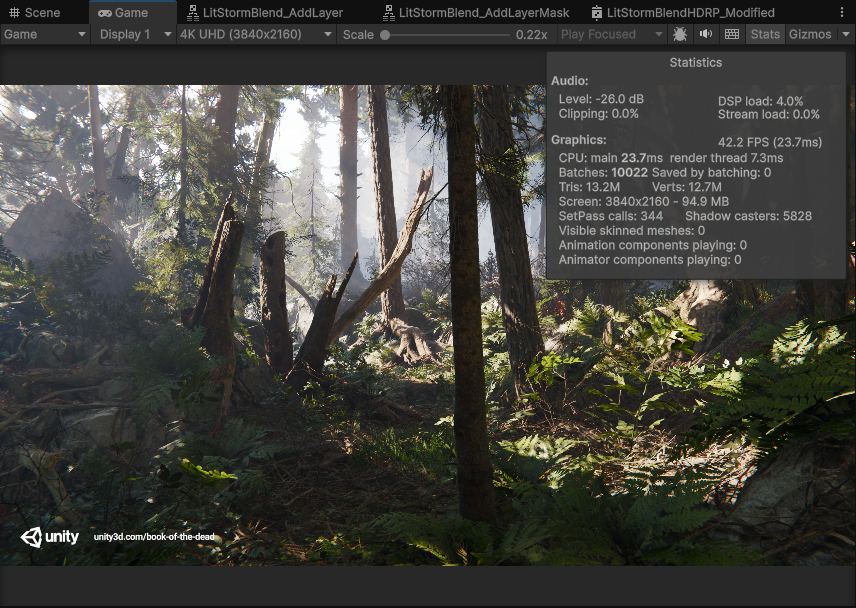
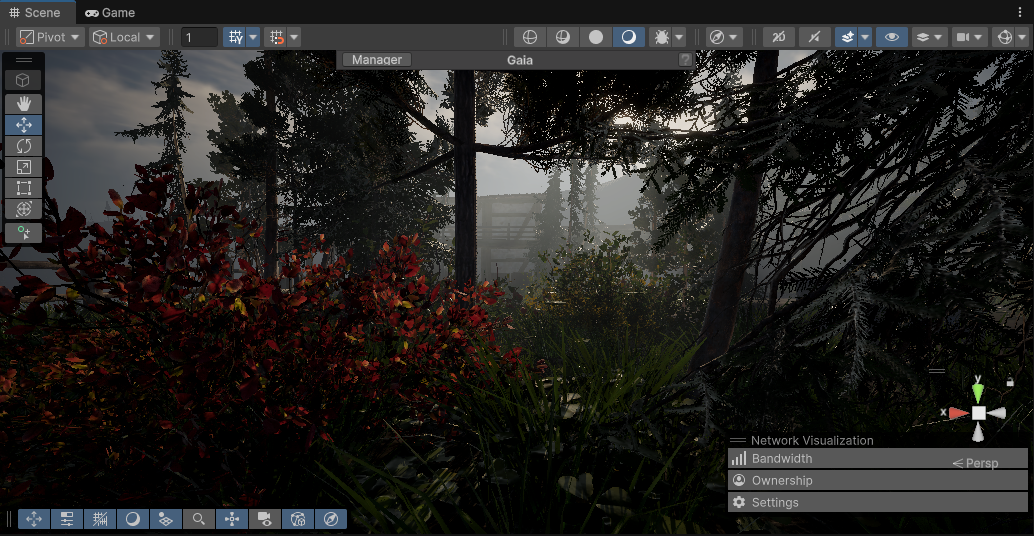


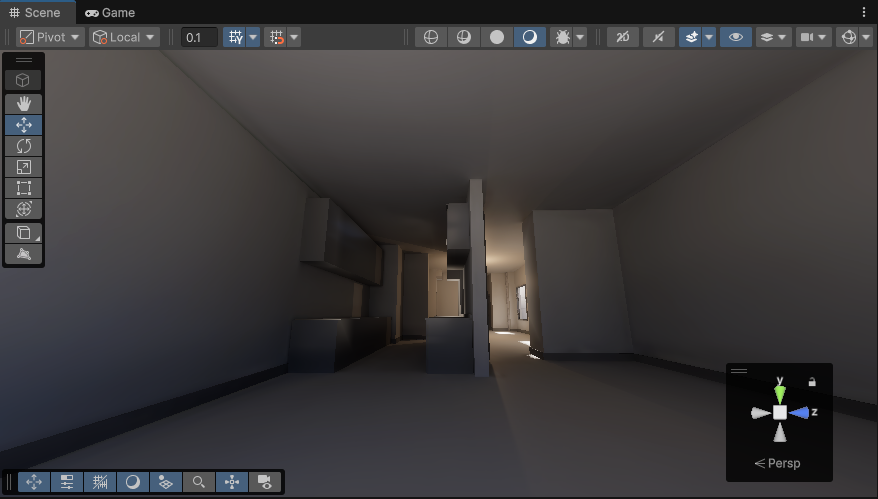


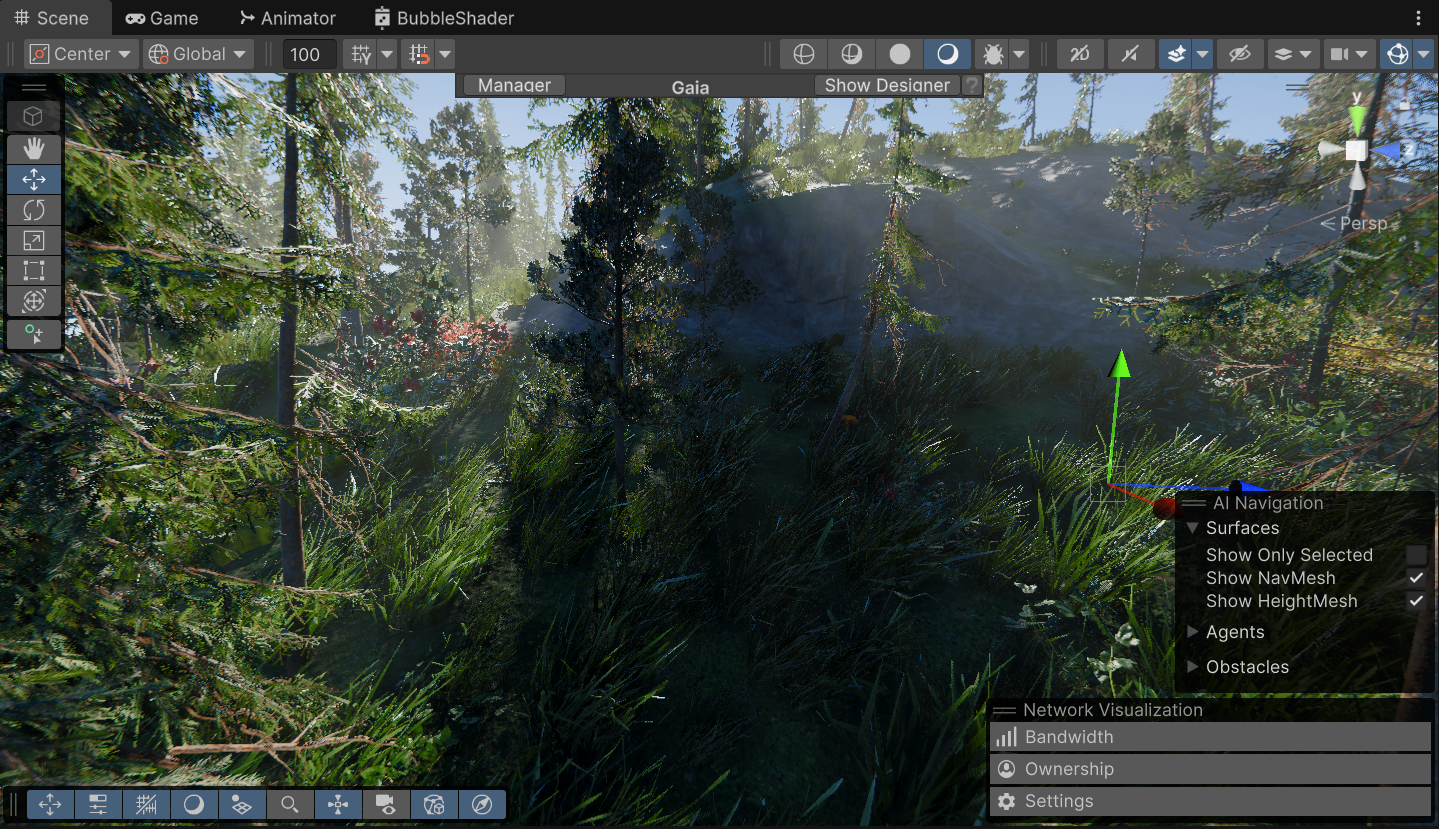
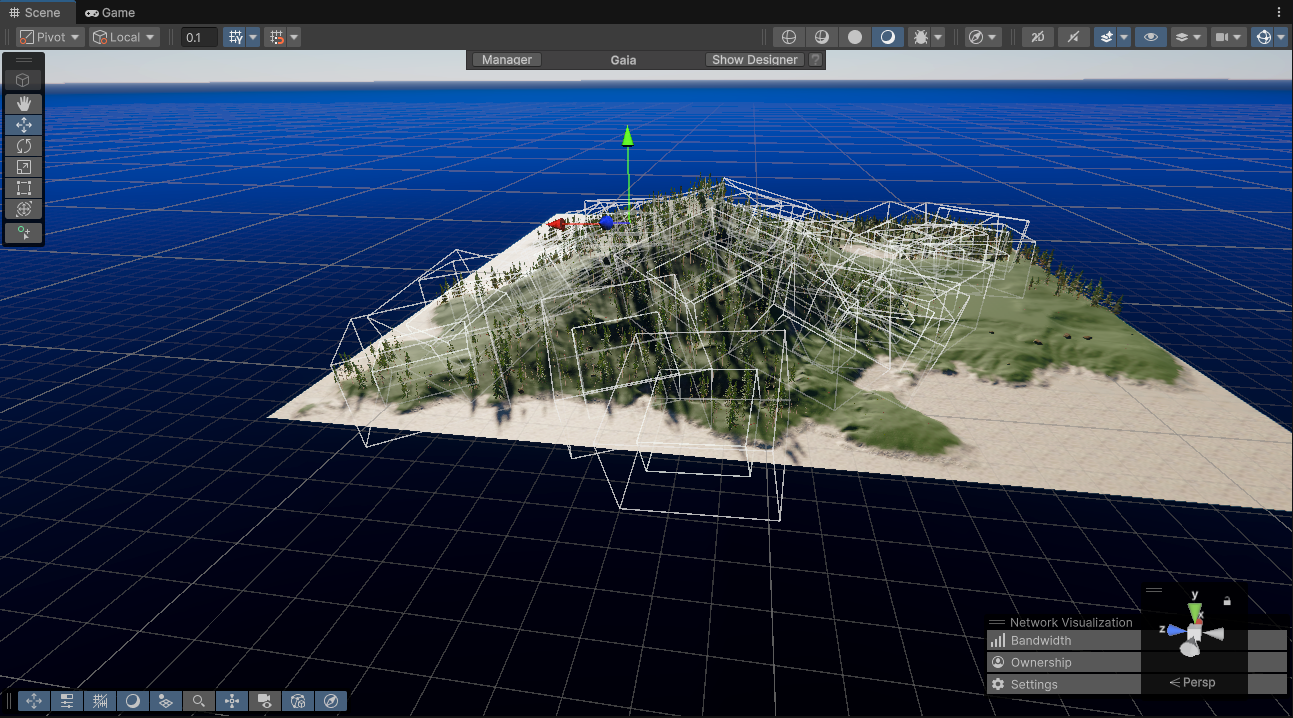
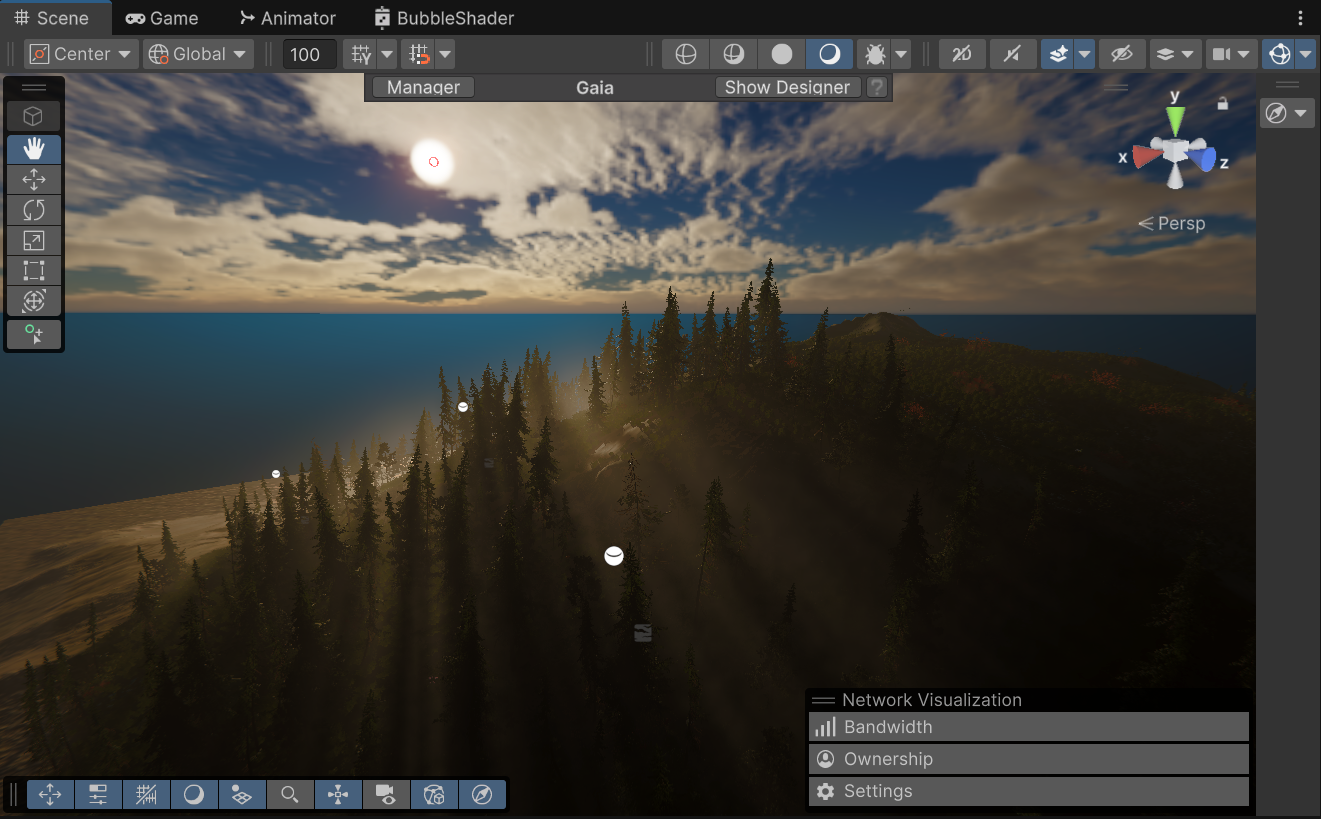
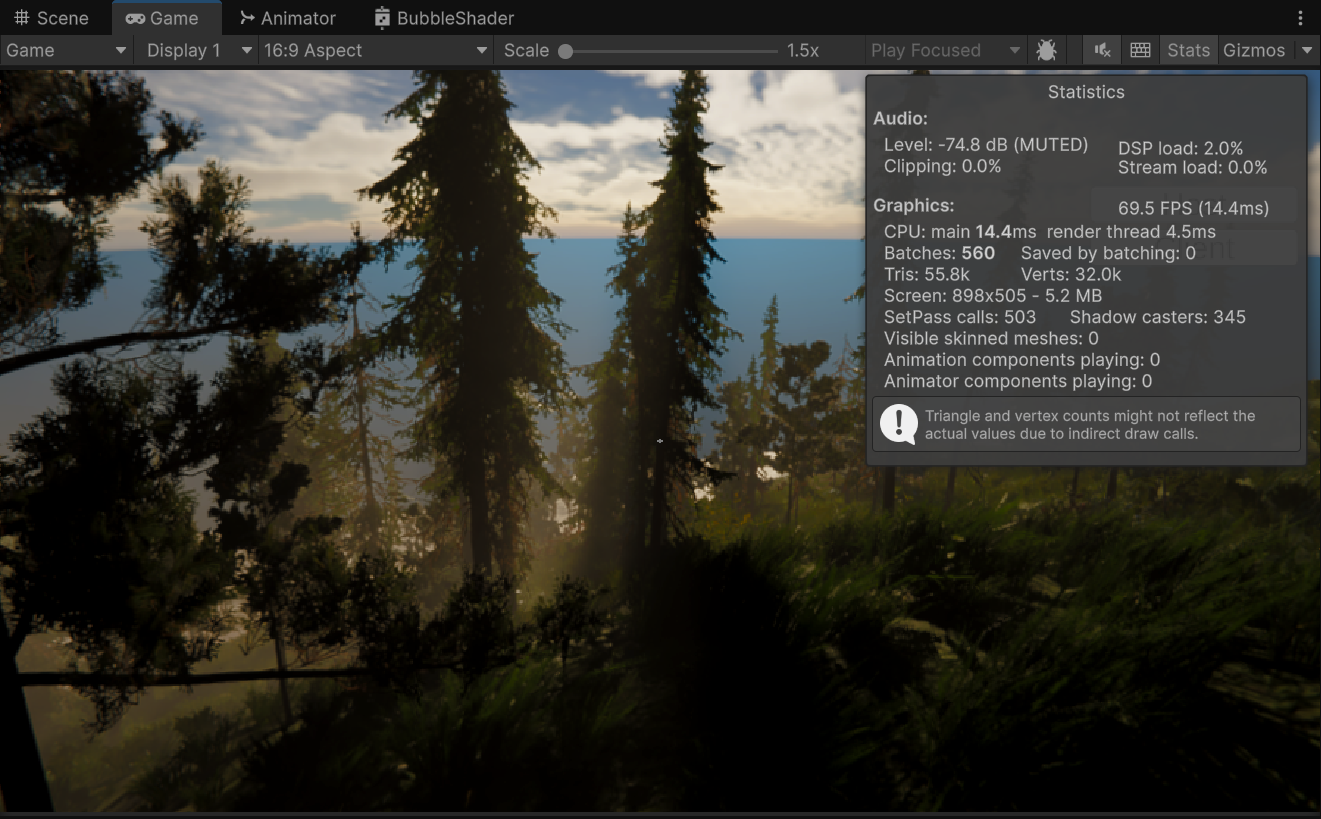
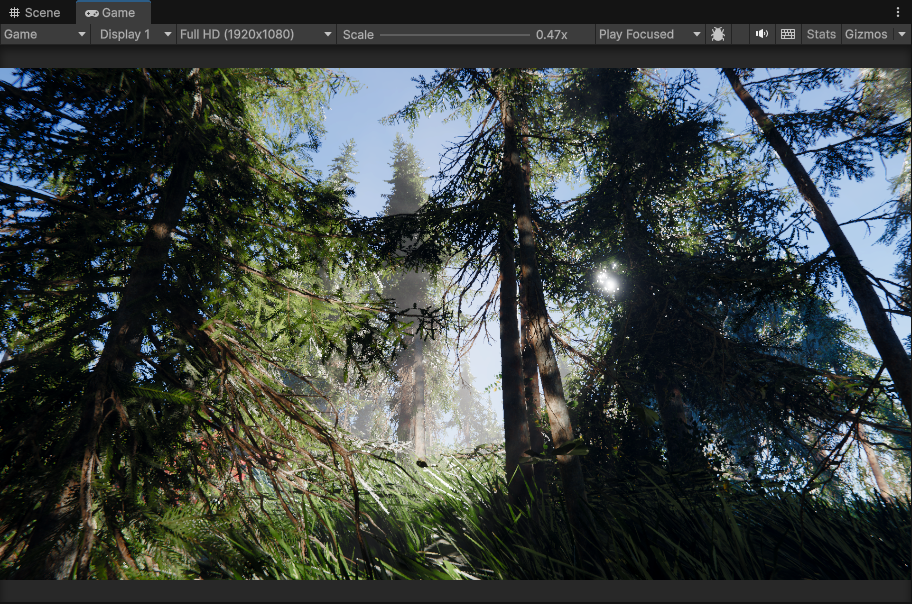
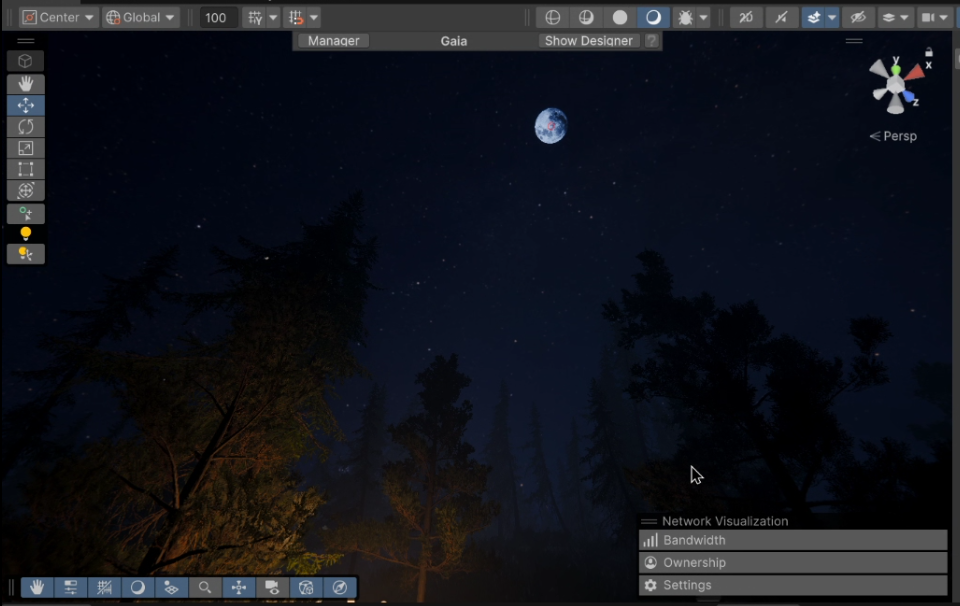

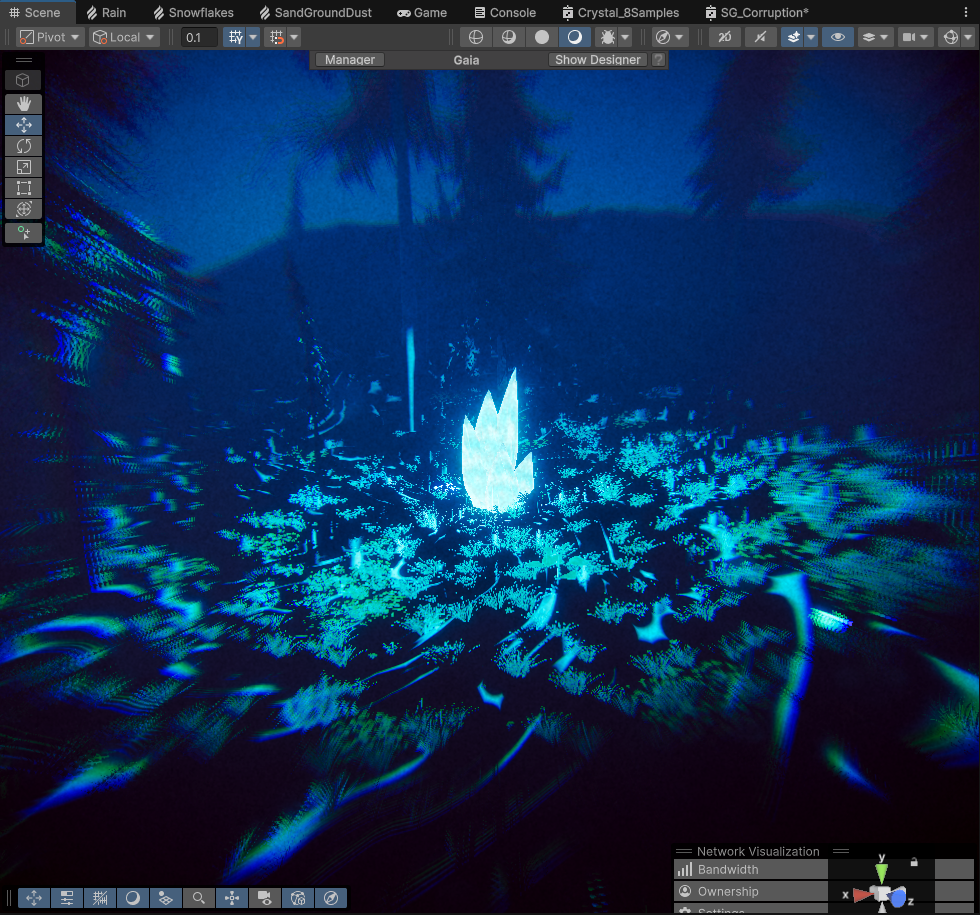
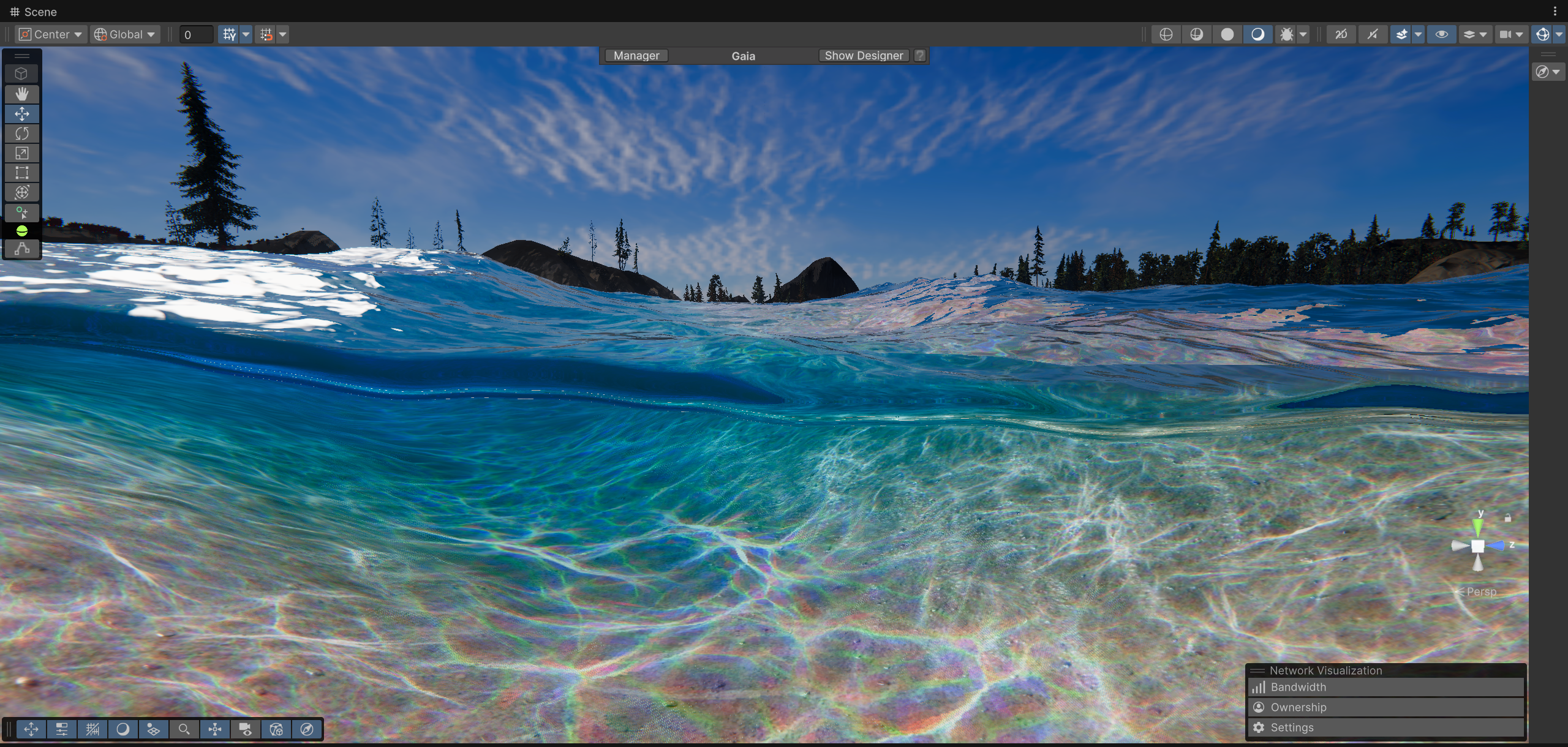
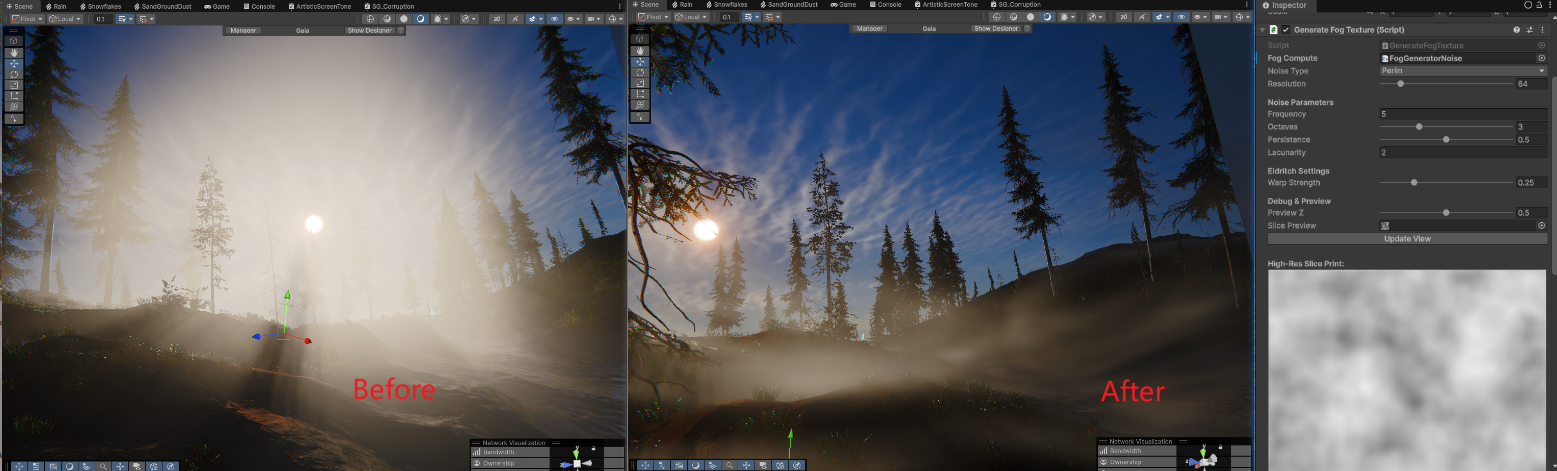
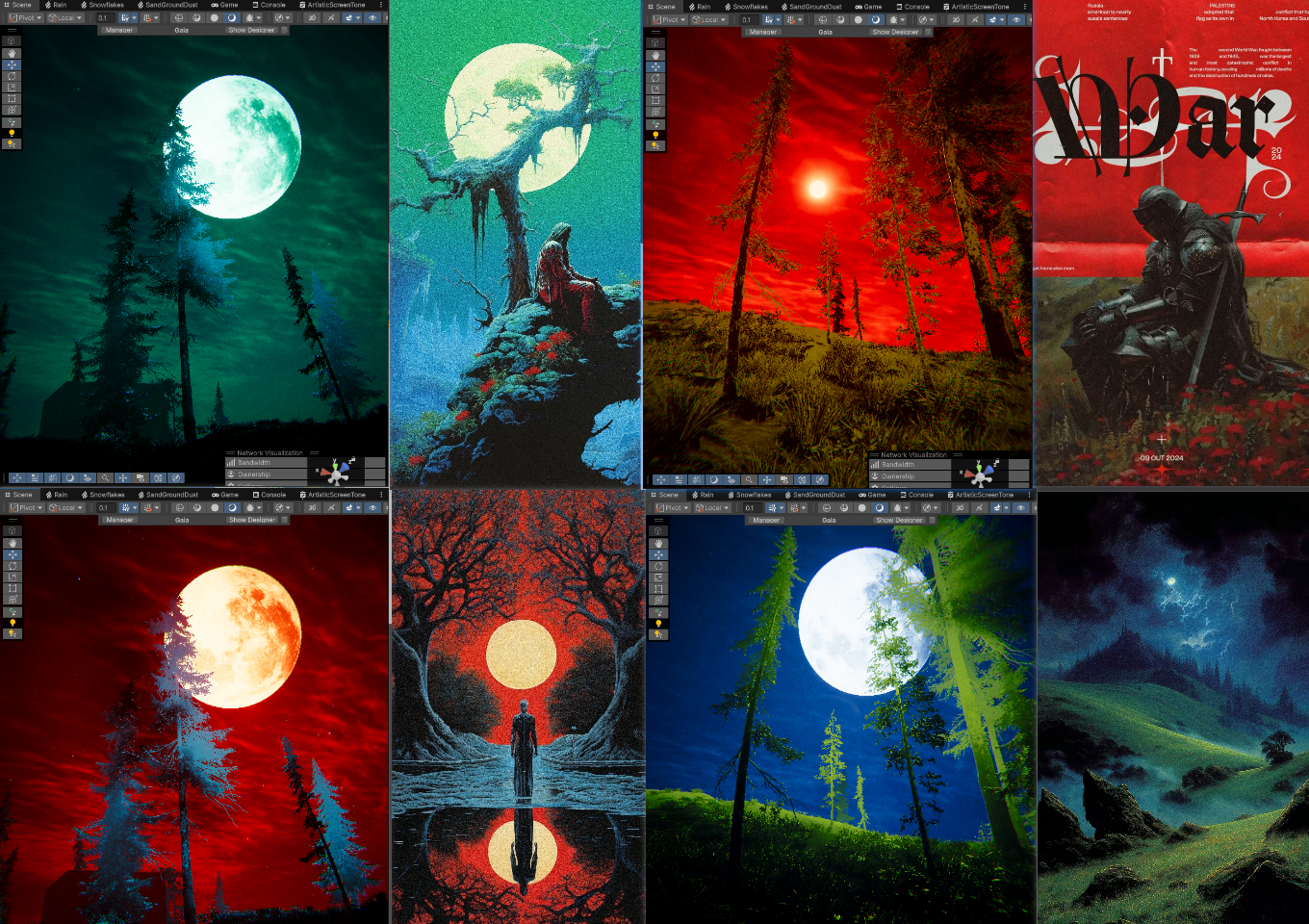
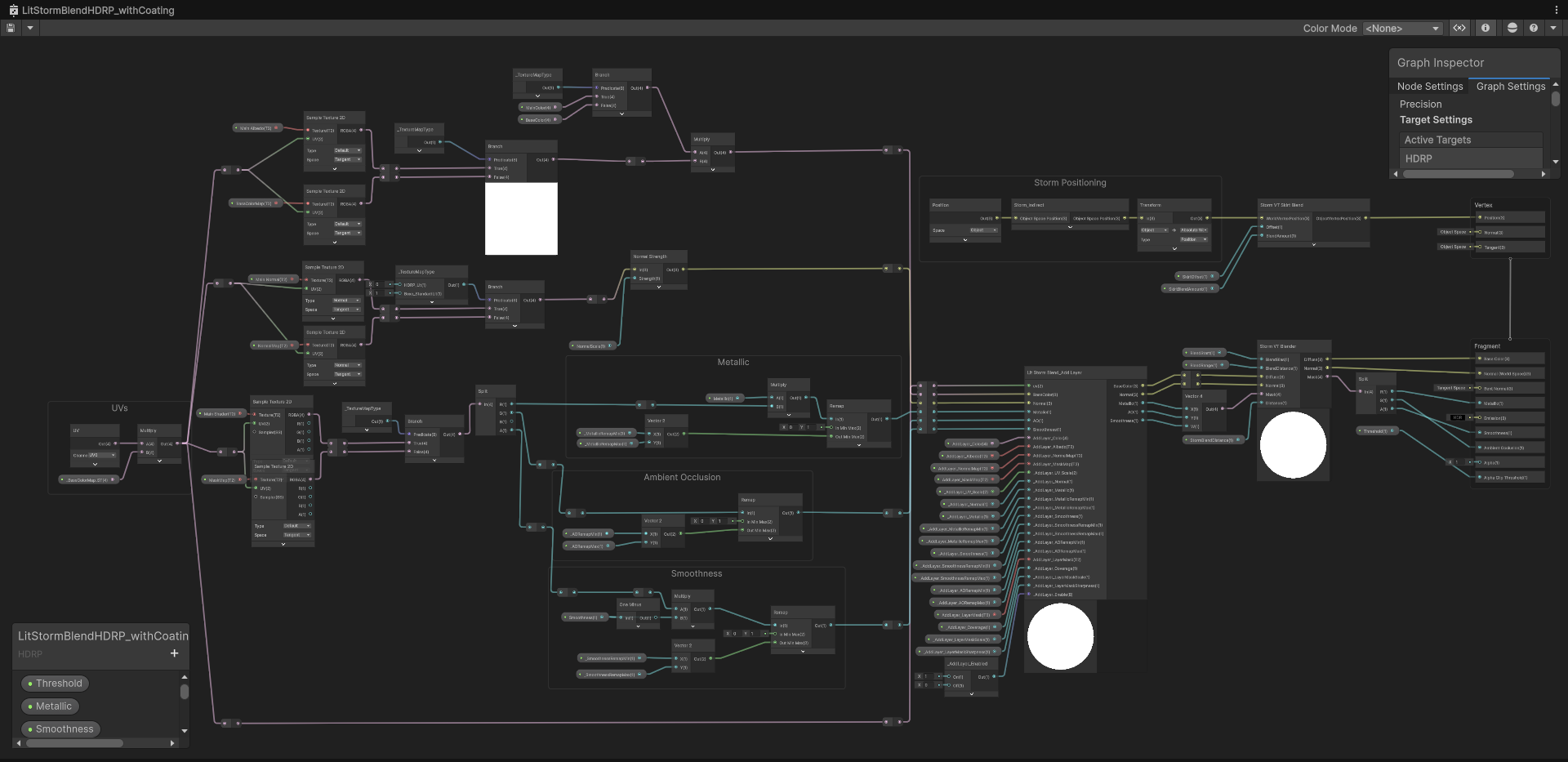
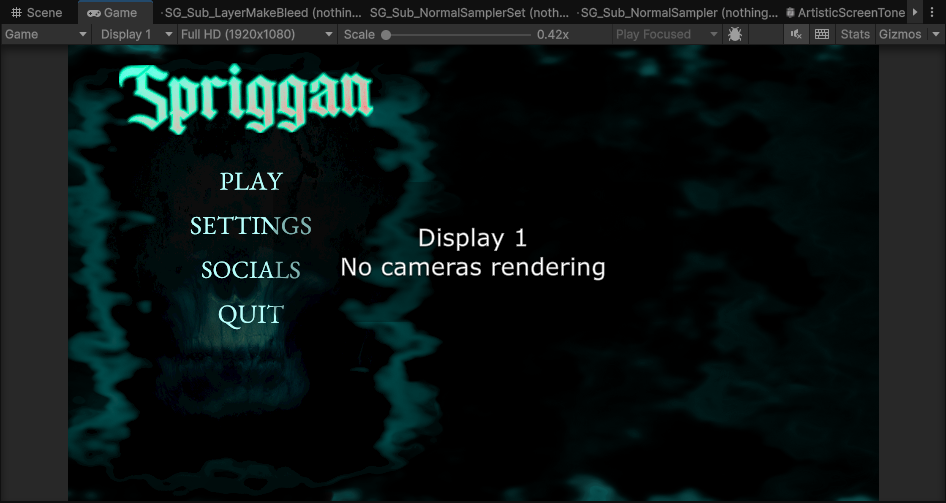
A production refactor case study on turning a custom Unity UI save/generate/runtime-capture workflow back into a normal scene-first authoring process, while preserving the visual result.
This refactor was unusual because the visible result was intentionally almost unchanged.
The goal was not to redesign the menu. The goal was to preserve the visual direction while replacing the hidden system underneath it: a custom runtime save/generate workflow that had grown around Unity’s Play Mode limitations.
In short:
flowchart LR
Before["Same visual result, unclear ownership"] --> Work["Preserve the look, replace the authoring model"] --> After["Same visual result, much lower cognitive load"]The original menu was created under real production pressure. The teammate driving the visual implementation was not deeply familiar with Unity’s authoring model at the time: Scene objects, Prefabs, ScriptableObjects, and the fact that Play Mode changes are not automatically a durable source of truth.
That misunderstanding is common, but dangerous. If someone tunes a UI visually in Play Mode and then discovers that those changes do not persist, there are two possible reactions:
Under schedule and investor pressure, the second path gradually became an internal authoring engine.
That engine included ideas like:
The motivation was understandable: preserve the visual work that had been tuned interactively. The result, however, was a source-of-truth collapse.
A developer opening the project could no longer answer a basic question:
If I want to change this menu screen, where is the truth?
Was it the Scene? A runtime snapshot? A generated overlay? A MasterSave asset? A panel preset? A repair script? The system worked visually, but it was hard to maintain.
flowchart TD
    Unity["Unity Play Mode"] --> Start["SprigganMenuStateController.Start"]
    Start --> Master["MasterSave / Snapshot auto-load"]
    Master --> Canvas["Apply saved fonts / layout / alpha"]
    Master --> Density["Apply saved Density fields"]

    Start --> Library["PanelPresetLibrary lookup"]
    Library --> Preset["SprigganPanelPreset"]
    Preset --> Reveal["PanelRevealFX chooses reveal / disappear / morph"]
    Reveal --> Animator["PanelStateAnimator transition"]
    Animator --> Density

    Layout["Runtime layout scripts"] --> Canvas
    Start --> CanvasShow["Show / hide content CanvasGroups"]
    CanvasShow --> Canvas
The issue was not simply that a class was too large. The deeper issue was write ownership.
Multiple systems could mutate the same UI and visual state. Some were runtime systems, some were editor tools, some were fallback presets, and some were repair logic designed to undo previous generated layouts.
flowchart TD
    StateController["SprigganMenuStateController"] --> DensityController["DensityPanelController"]
    StateController --> PanelPresetLibrary["SprigganPanelPresetLibrary"]
    PanelPresetLibrary --> PanelPreset["SprigganPanelPreset"]
    PanelPreset --> DensityController

    StateController --> RevealFX["SprigganPanelRevealFX"]
    StateController --> Animator["SprigganPanelStateAnimator"]
    RevealFX --> DensityController
    Animator --> DensityController

    MasterSave["MasterSave / Snapshot"] --> StateController
    MasterSave --> DensityController
    MasterSave --> TMP["TMP / Fonts"]
    MasterSave --> Rect["RectTransforms / Layout"]
    MasterSave --> Buttons["Buttons / Style"]

    LayoutScripts["Runtime Layout / Transform Scripts"] --> Rect
    LayoutScripts --> TMP

    Button["Button"] --> StateController
    Button --> DensityController
This made everyday UI work feel risky. A developer could manually place a title, enter Play Mode, and then find that runtime code had moved it back. A button could be aligned in the Scene, then restored to a previous generated layout. Typography could be overwritten by scripts that tried to preserve an older visual state.
The target was deliberately boring:
flowchart TD
    Button["UGUI Button / Gameplay Call"] --> Controller["SprigganMenuController"]
    Controller --> Screen["Resolve SprigganMenuScreen.stateBindings"]
    Screen --> Content["SprigganMenuContentController<br/>show screen via CanvasGroup"]
    Screen --> Look["SprigganMenuDensityLook<br/>background treatment"]
    Look --> Factory["SprigganMenuPanelRequestFactory"]
    Factory --> Request["DensityPanelTransitionRequest"]
    Request --> Port["IDensityPanelPort"]
    Port --> Driver["DensityPanelDriver"]
    Driver --> Density["DensityPanelController"]
    Look --> Overlay["Scene-authored overlays<br/>when Density is disabled"]
The menu no longer needs to know how the Density Panel writes its simulation fields. The menu chooses a state, a background treatment, and a transition. The Density driver executes the procedural background when that background is actually needed.
flowchart TD
    Button["UGUI Button UnityEvent"] --> MenuController["SprigganMenuController"]
    Gameplay["Gameplay / Debug Route"] --> MenuController

    MenuController --> Screen["SprigganMenuScreen"]
    Screen --> Binding["Screen State Binding"]
    Binding --> Look["SprigganMenuDensityLook"]
    Look --> Profile["MenuDensityPanelProfile"]
    Profile --> Target["DensityPanelTargetPreset"]
    Binding --> Transition["DensityPanelTransitionPreset"]

    MenuController --> Content["SprigganMenuContentController"]
    Content --> CanvasGroup["CanvasGroup Visibility"]

    MenuController --> RequestFactory["SprigganMenuPanelRequestFactory"]
    RequestFactory --> Contract["DensityPanelTransitionRequest"]
    Contract --> Port["IDensityPanelPort"]
    Port --> Driver["DensityPanelDriver"]
    Driver --> Density["DensityPanelController"]

    Scene["Scene / Prefab"] --> Layout["RectTransform / TMP / LayoutGroup"]
    Scene --> Screen
The ownership boundary is the core of the refactor:
After the first refactor landed on the integration branch, a subtle bug appeared.
SettingsFromMain and SettingsFromPause were different menu states, because they need different return behavior. But visually they are the same Settings screen. The earlier binding model allowed each state route to point directly at a different Density Panel target, so two routes into the same screen could accidentally drive different background looks.
That was the wrong abstraction.
The fix was to split flow state from visual family:
flowchart TD
    State["SprigganMenuState<br/>flow and return behavior"] --> Binding["SprigganMenuScreenStateBinding"]
    Binding --> Look["SprigganMenuDensityLook<br/>MainMenu / SubMenu / NoDensityPanel / Death"]
    Look --> Profile["MenuDensityPanelProfile"]
    Profile --> Target["DensityPanelTargetPreset<br/>specific visual values"]
    Look --> Overlay["Scene-authored UGUI overlays<br/>when NoDensityPanel is selected"]
The categories stayed intentionally small:
MainMenuSubMenuNoDensityPanelDeath as an optional Density-based death treatmentMain-menu-side screens such as Settings, Socials, Quit confirm, Feedback, and Level Selection can keep using the dynamic menu background. Pause-family screens can use NoDensityPanel, which keeps the gameplay camera visible and lets ordinary UGUI overlays handle the visual treatment.
This is one of those refactor details that looks small in code, but matters a lot for maintainability. It prevents one screen from accidentally having multiple visual truths, while still allowing product requests to change the background treatment without rebuilding the UI framework.
A later request changed the visual direction for gameplay-facing menu screens:
The important part is that this did not require a second menu framework.
flowchart TD
    Request["New visual request"] --> StateBinding["Existing screen state binding"]
    StateBinding --> NoDensity["SprigganMenuDensityLook.NoDensityPanel"]
    NoDensity --> SkipDensity["Skip Density Panel reveal / morph"]
    StateBinding --> Content["Keep normal UGUI screen content"]
    Content --> Pause["Pause: dim + HDRP blur"]
    Content --> Death["Death: transparent red PNG overlay"]
I added a small overlay controller for the scene-authored layers:
This was a good stress test for the refactor. The visual direction changed, but the system absorbed it as data and scene-authored UI layers rather than as another custom authoring workflow.
The next bug looked like a preset problem at first: entering Settings from Main Menu and entering Settings from Pause produced different Density backgrounds.
The clue was that the issue disappeared if the Pause route was changed to keep gameplay time running.
That proved the real bug was time ownership. The pause menu was correctly freezing gameplay time, but the Density Panel UI background was still depending on scaled game time in parts of its simulation and shader motion.
The correct fix was not to let pause menus keep gameplay time running. The correct fix was to make the UI background use unscaled time:
Time.unscaledDeltaTime,_DensityTime,_DensityTime is driven from Time.unscaledTime.flowchart LR
Pause["Pause menu freezes gameplay time"] --> Game["Gameplay simulation stops"]
Pause --> UI["Menu UI remains interactive"]
UI --> Density["Density Panel background uses unscaled time"]
Density --> Motion["Transition / morph / shader motion continues"]This preserved the gameplay meaning of pause while making the menu visual consistent.
Even after pause-family screens moved to NoDensityPanel, this rule remained useful: UI visual systems should not accidentally depend on gameplay time unless the design explicitly requires it.
Another issue appeared when returning from an in-level Pause menu back to the Main Menu scene.
The tempting cleanup call was EnterGameplay(). It removed the Pause UI, but it also told the Density Panel to disappear as if the player had resumed gameplay. When the Main Menu scene finished loading, the UI could come back while the Density Panel remained hidden or bound to stale scene references.
The fix was to separate external scene cleanup from real gameplay entry:
flowchart TD
    Button["Pause / Death button loads another scene"] --> Cleanup["HideCurrentScreenForExternalTransition"]
    Cleanup --> HideUI["Hide current UI immediately"]
    Cleanup --> HideOverlay["Hide pause/death overlays"]
    Cleanup --> KeepDensity["Do not drive Density disappear"]
    Button --> Load["Load target scene"]
    Load --> Ready["Target scene ready"]
    Ready --> Entry["Call the real entry method<br/>for example ShowMainMenu"]
    Entry --> Resolve["Refresh loaded-scene references"]
    Resolve --> Reveal["Reveal current scene Density Panel if needed"]
This changed the meaning of the API surface in a healthy way:
EnterGameplay() means actually return to gameplay,HideCurrentScreenForExternalTransition() means clean up current UI before a scene load,ShowMainMenu() means the Main Menu scene is ready and should enter its real menu state.That prevented two opposite failures: the Pause UI hanging around, and the Main Menu returning without its Density Panel.
flowchart TD
    Dev["Developer wants to add a menu page"] --> Q1{"Where is truth?"}
    Q1 --> Scene["Scene object?"]
    Q1 --> Master["MasterSave?"]
    Q1 --> Snapshot["Runtime snapshot?"]
    Q1 --> Builder["Generated overlay / builder?"]
    Q1 --> Preset["Panel preset library?"]
    Q1 --> Repair["Startup repair script?"]

    Scene --> Risk["May be overwritten in Play Mode"]
    Master --> Risk
    Snapshot --> Risk
    Builder --> Risk
    Preset --> Risk
    Repair --> Risk

    Risk --> Outcome["Developer must learn project-specific workflow before editing UI"]
This was the real cost. The visual result could be correct, but the authoring model was hostile. A new developer had to learn the custom engine before safely editing a page.
flowchart TD
    Dev["Developer wants to add a menu page"] --> State["Add SprigganMenuState enum value"]
    State --> View["Create / duplicate [View] XxxPanel"]
    View --> Screen["Configure SprigganMenuScreen.stateBindings"]
    Screen --> Button["Wire UGUI Button to SprigganMenuController"]
    Button --> Play["Enter Play Mode to verify"]
    Play --> Done["If it should persist, edit Scene / Prefab / ScriptableObject normally"]
This is intentionally unremarkable. A UI workflow should not require a private operating manual.
The menu now communicates with the Density Panel through contract data:
IDensityPanelPortDensityPanelTargetPresetDensityPanelTransitionPresetDensityPanelTransitionRequestDensityPanelDriverSprigganMenuDensityLookMenuDensityPanelProfileThis keeps Density Panel internals available to technical art, while preventing menu code from owning them.
The daily authoring surface is now SprigganMenuScreen.stateBindings.
A normal page no longer requires a generated overlay, a state definition asset, a catalog entry, or a snapshot path.
Screens can now choose whether they use the procedural Density background or scene-authored overlays through SprigganMenuDensityLook. This kept later visual requests from becoming new toolchains.
Runtime can safely drive:
CanvasGroup visibility,Runtime must not rewrite:
The branch retired old systems that were no longer part of the correct workflow, including legacy save/snapshot paths, generated UI tooling, layout repair concepts, unused visual scripts, and debug shortcuts that bypassed real button routes.
The final guide for future developers is:
Assets/!ProjectFiles/UI/Docs/UIAuthoringGuide.md
It explains the new workflow directly, without preserving historical tool paths as equal options.
When the menu root was turned into a prefab, Unity reported:
UnassignedReferenceException: The variable m_sharedMaterial of TextMeshProUGUI has not been assigned.
TMPro.TMP_Text.get_fontMaterial()
Spriggan.UI.Menu.SprigganTextFX.Bind()
Spriggan.UI.Menu.SprigganTextFX.OnValidate()
The prefab system was not the real problem. The problem was an [ExecuteAlways] text effect component reading fontMaterial during prefab save/import. TMP then tried to create a material instance from a serialized m_sharedMaterial field that was null.
The important lesson was that TMP’s public getters can make a component look valid in the Scene, while prefab import still depends on serialized private data.
The fix was two-part:
SprigganTextFX now ensures the serialized TMP m_sharedMaterial exists before reading fontMaterial.This tool is not a new authoring workflow. It is a small safety net for prefab import.
Another useful clarification came from trying to make the menu background “just black.”
Changing the Density target’s fill color affects the blob/fill layer, but the Density Panel is not a normal UGUI Image. Its final appearance is shaped by simulation masks, grunge, mural layers, chaos, alpha shaping, edge behavior, and glow.
So the rule is now explicit:
DensityPanelTargetPreset for the dynamic Density visual language,Image for a flat black rectangular UI backplate.That distinction keeps the technical-art effect from being forced into the job of a simple UI rectangle.
This refactor was validated in Unity, not only by static code cleanup.
The tested flows included:
The Credits test was the important developer-experience test: a new page could be added by following the simple enum + view + screen binding + button flow.
The visible menu did not change much. That was the point.
The refactor succeeded because it made the same UI understandable, maintainable, and extensible.
A developer no longer needs to learn a custom runtime persistence engine before changing a menu page. They can use normal Unity authoring instincts:
flowchart LR
    Scene["Scene / Prefab"] --> Truth["Layout and typography truth"]
    SO["ScriptableObject"] --> VisualData["Reusable visual data"]
    Play["Play Mode"] --> Verify["Verify behavior only"]
That is the kind of refactor I value most: not a visual rewrite, but a reduction in future confusion.
No video available.